


Control4 Driver - Apple TV IP (DTI)

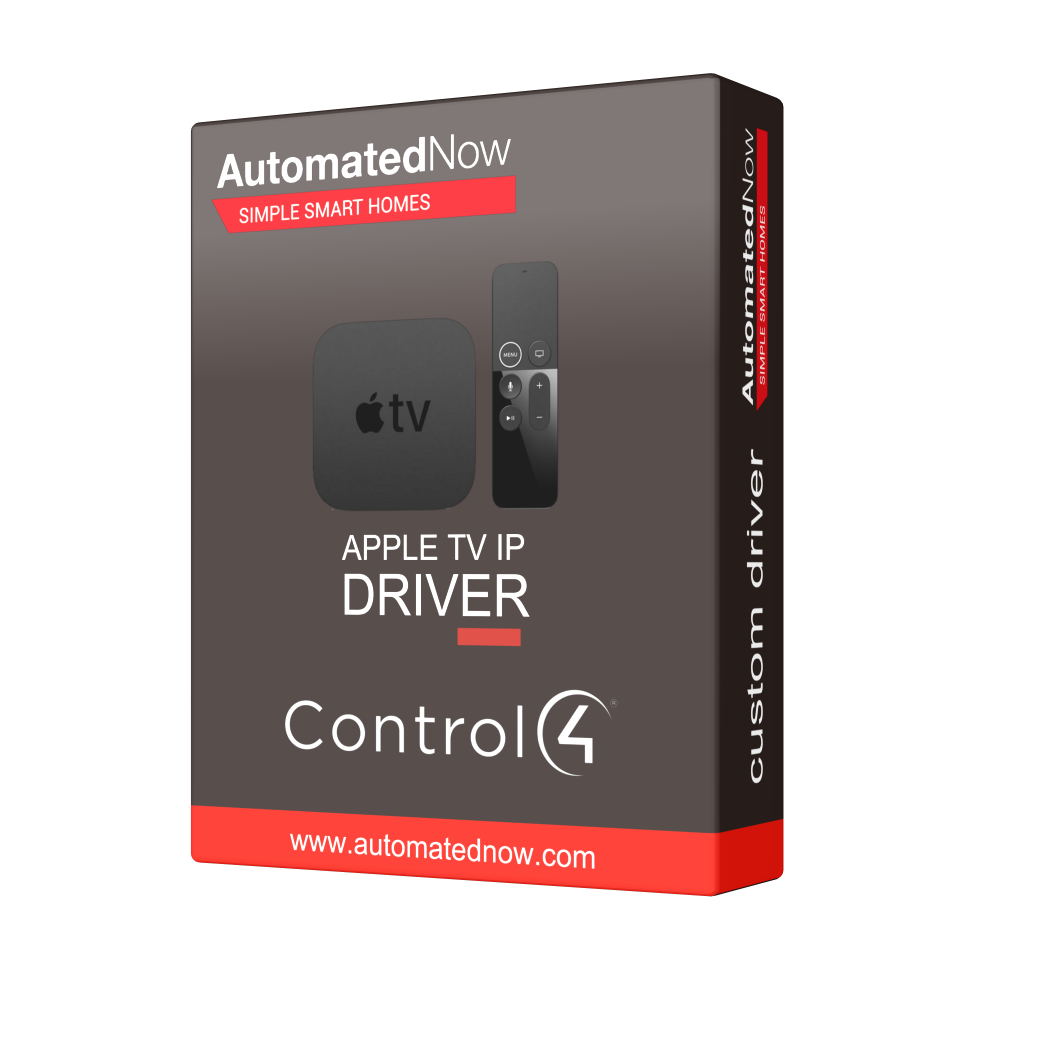
ANC4DATV
Electronic delivery
Payment options

Our advantages
- — Expert offsite programming
- — All work done remotely
- — No-contact service
- — No house-call needed
- — Custom 3rd party driver
INTEGRATE APPLE TV OVER IP
Native Apple TV control for Control4 — running on the Control4 controller itself. No bridge, no Raspberry Pi, no cloud relay.
The DTI Automation Apple TV driver controls an Apple TV directly over the network, using the same connection the Apple TV Remote in iOS Control Centre uses. Everything runs on the controller. There is no Homebridge, no NUC or Raspberry Pi, no helper application to host, and no vendor account beyond the DriverCentral licence itself.
One driver file adds three things to the project: the Apple TV as a Media Player, an App Switcher carrying 25 assignable app tiles, and an Apple TV Search service that types straight into the Apple TV’s on-screen keyboard.
Features:
- Finds the Apple TV for you. One action lists every Apple TV on the network with its name and address. Pick one and the driver fills in the address, port, name, hardware address and tvOS version, then starts connecting.
- Survives a DHCP change. The driver remembers the hardware address of the Apple TV it is paired to. If the lease changes and the Apple TV comes back on a different IP address, the driver finds the same device again and reconnects — no site visit, no re-pairing, nobody retyping an address.
- Full remote and transport control from Navigator, touchscreens, keypads and programming: navigation, select, menu, home, play/pause, stop, skip, held fast-forward and rewind, channel and page keys, volume, the Siri button, screensaver, sleep and wake.
- 25 app tiles. Assign Netflix, Disney+, Prime Video, YouTube or anything else the customer has installed to a mini-app tile, and it is one press away in Navigator.
- Opens a title, not just an app. Paste an ordinary web link and the driver rewrites it into the form the app on the Apple TV actually opens — YouTube, Prime Video, Netflix and Hotstar. Anything else is passed through untouched, and when a link cannot be rewritten the driver says why instead of mangling it.
- Reads the installed app list off the Apple TV, refreshed on every connect, so a dealer picks an app from a list instead of hunting for bundle identifiers.
- Search from Navigator. A Search tab with a text field, Submit and Backspace, typed into whatever field the Apple TV currently has focus on — so the customer can search without picking up the Siri Remote.
- Tells you what it is doing. Pairing Status, Connection Status, Power State, Last Launched App, Driver Version, and a plain-English Last Error on the Properties tab. A blank Last Error is the pass. Most problems are readable with logging switched off entirely.
- Pairing is done once, at the device, with the four-digit code on the television. The resulting credential is held in Director’s own protected storage — it is never shown on a Composer tab and the driver has no action that displays or exports it. Clear Pairing is the only way to remove it.
- Silent by default. The driver writes nothing at the shipped settings, and logging turns itself back off after 45 minutes if it is left on.
Brand
Driver Central
Warranty
1 Year
Software
Category
Audio/Video
Developer
DTI Automation Pvt. Ltd.
Version
#1104
Last Updated
10/05/2026