


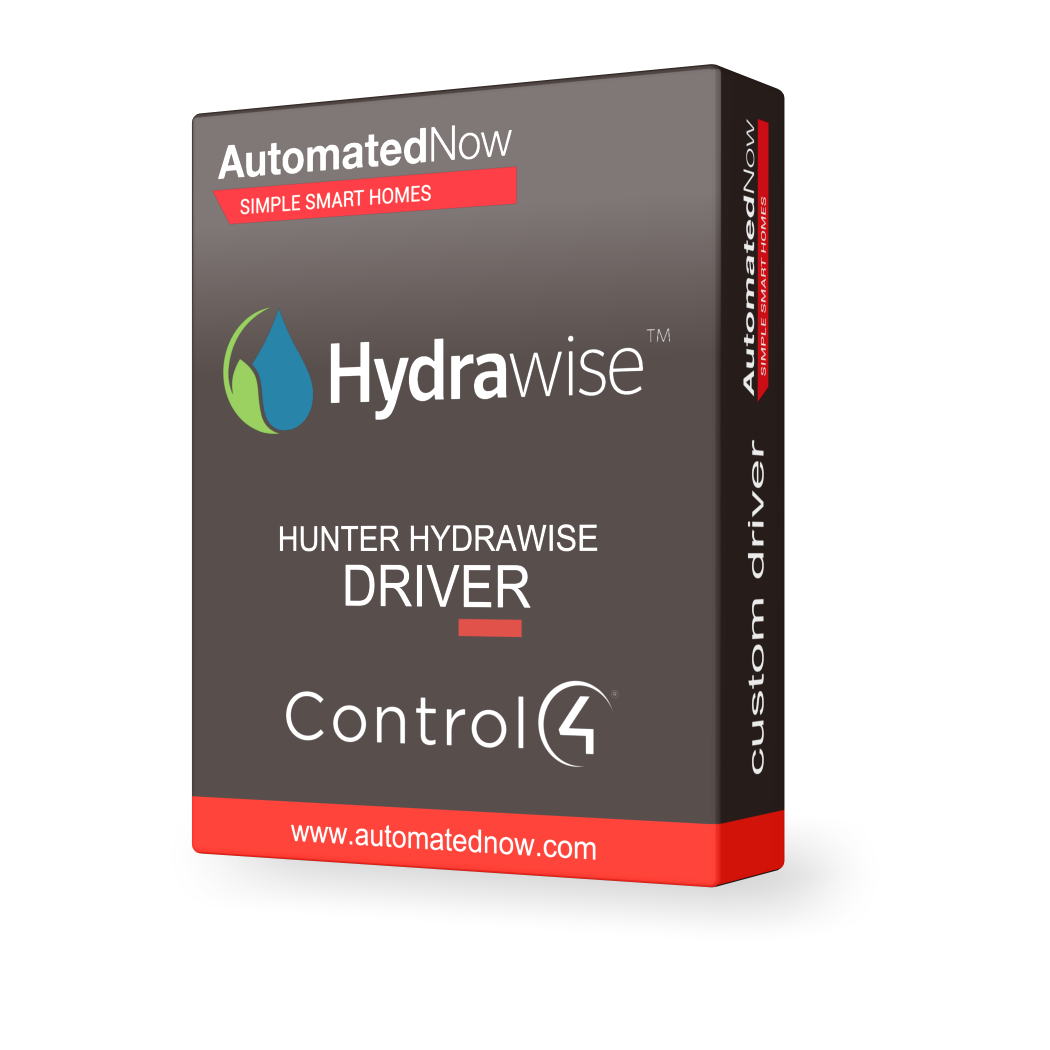
Control4 Driver - Hunter Hydrawise


- — Expert offsite programming
- — All work done remotely
- — No-contact service
- — No house-call needed
- — Custom 3rd party driver
SMART IRRIGATION IN CONTROL4
Bring Hunter Hydrawise irrigation control directly into your smart-home system.
PUT YOUR IRRIGATION SYSTEM IN CONTROL
Manage watering zones from the same interface that controls your home.
The Hunter Hydrawise driver integrates Hydrawise irrigation controllers with Control4, allowing homeowners and integrators to monitor and control irrigation zones directly through Control4 interfaces.
Each irrigation zone can appear as a native Control4 sprinkler device, allowing watering to become part of scenes, programming and convenient manual control.
BI-DIRECTIONAL CONTROL
Send commands and receive irrigation status feedback through Control4.
MULTIPLE CONTROLLERS
Support multiple Hydrawise irrigation controllers within a project.
NATIVE SPRINKLER ZONES
Automatically import sprinkler zones as native Control4 sprinkler devices.
RUN & STOP
Run individual zones or all zones and stop watering when needed.
SUSPEND CONTROL
Suspend or unsuspend irrigation for individual zones or the system.
KEYPAD CONTROL
Bind keypad buttons to sprinkler operation with LED feedback.
SMART IRRIGATION THAT WORKS WITH YOUR HOME
Hydrawise becomes another controllable part of the property instead of a separate system.
AUTOMATE
Use irrigation states and commands within Control4 programming.
CONTROL
Run, stop and suspend watering from Control4 interfaces.
VIEW
Access the Hydrawise web application directly from supported T3/T4 touchscreens.
IDEAL FOR CONNECTED HOMES
Bring irrigation into the same automation strategy as lighting, climate and security.
WHOLE-HOME AUTOMATION
Coordinate irrigation with broader property automation and environmental scenes.
LARGE PROPERTIES
Manage multiple irrigation controllers and zones from one Control4 project.
CONVENIENT OVERRIDES
Quickly run or stop irrigation from Control4 without opening a separate interface.
TOUCHSCREEN CONTROL
Use supported Control4 touchscreens to access Hydrawise functionality.
DRIVER INFORMATION
BRING IRRIGATION INTO YOUR SMART HOME
Connect Hunter Hydrawise with Control4 for unified irrigation control, feedback and automation.

Hydrawise Control4 Driver

Hydrawise Control4 Driver

Hydrawise Control4 Driver

Hydrawise Control4 Driver