Control4 Driver - Hikvision

Control4 Driver - Hikvision
$75.00   + Programming
ANC4DHIK

Non-refundable (driver/software)

This product is electronically distributed.

Electronic delivery
Payment options
Control4
Our advantages
  • — Expert offsite programming
  • — All work done remotely
  • — No-contact service
  • — No house-call needed
  • — Custom 3rd party driver

OVERVIEW

Hikvision is a global leader in video-centric security and AIoT, offering a comprehensive ecosystem of cameras, recorders, and intelligent access-control devices. Their portfolio ranges from compact fixed cameras to advanced PTZ and thermal units, all enhanced with onboard AI capable of accurately identifying people, vehicles, and key events. These devices integrate tightly with Hikvision’s NVR and DVR platforms, delivering high-resolution recording, efficient playback, and intelligent filtering, with technologies such as AcuSeek enabling rapid search of footage using human and vehicle attributes to significantly reduce review time.

Beyond surveillance, Hikvision’s access-control range includes door station intercoms, including MinMoe facial recognition terminals, which combine facial authentication, card access, and intercom functionality into a single responsive entry point. These devices extend security beyond monitoring, enabling secure, identity-based access that integrates cleanly into broader automation systems.

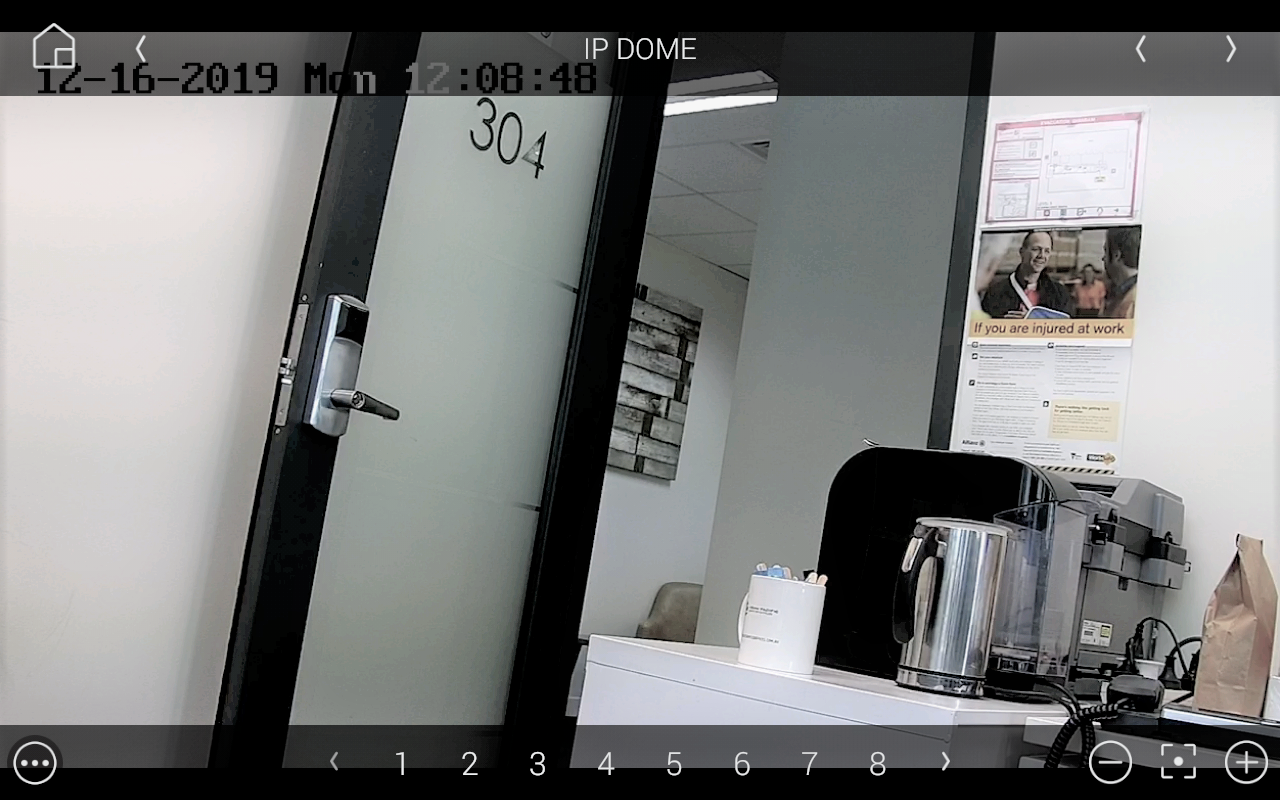
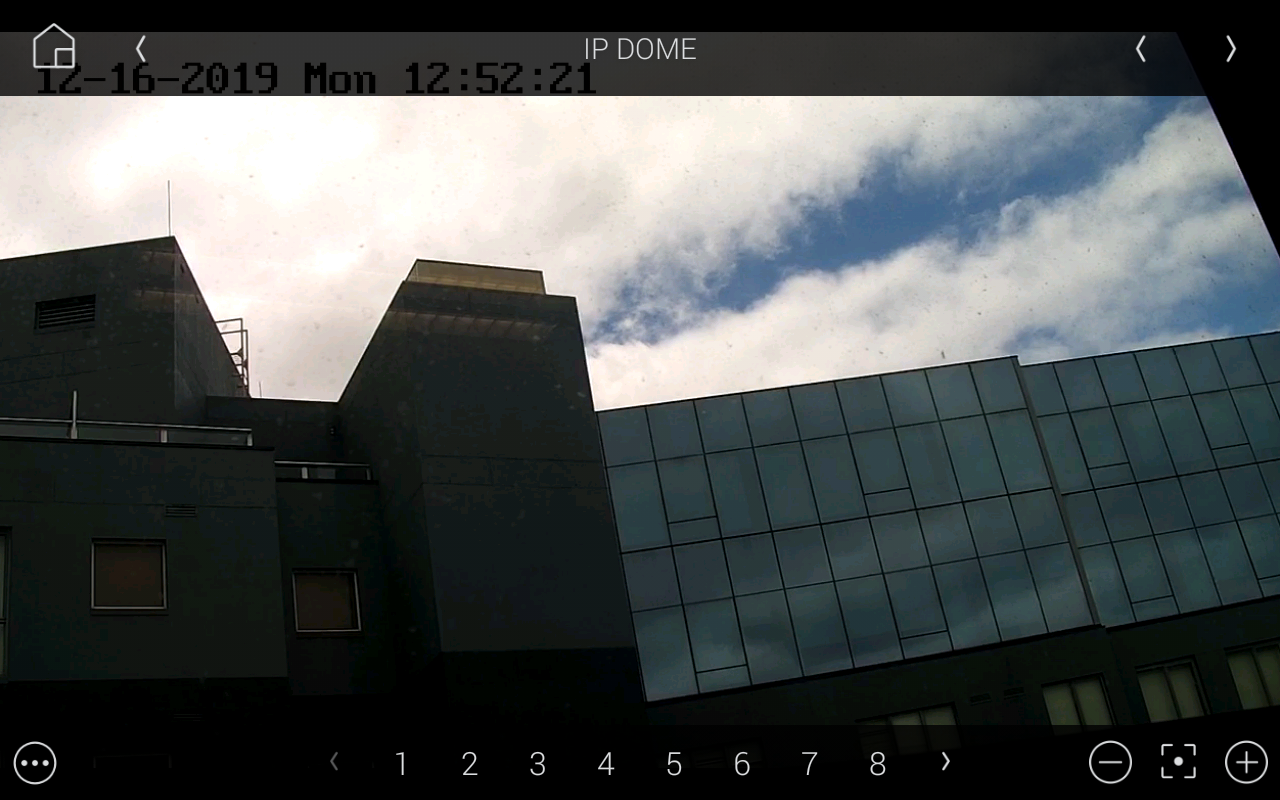
Chowmain’s Hikvision driver suite brings these capabilities into Control4, enabling seamless integration of Hikvision cameras, NVRs, and door station intercoms within a unified automation platform. The driver supports integration with all Hikvision NVRs for live viewing of cameras directly within Control4, along with deep IP camera integration including PTZ control, snapshots, and real-time smart event feedback such as motion detection, line crossing, region entry and exit, unattended baggage, and licence plate recognition, allowing these events to be used as automation triggers within Control4. Door station intercoms integrate tightly with Control4 to provide call pop-ups, two-way audio communication, doorbell button events, relay control for door unlock, and live video viewing directly within Control4 Navigator.

Viewing, searching, and playback of recorded footage is available on AcuSeek-enabled NVRs via a dedicated interface, including the ability to leverage Hikvision’s onboard AI for advanced search queries such as “man in black hat”, allowing users to quickly locate specific events without manually scrubbing timelines. In addition, door station intercoms, including MinMoe terminals, provide intercom communication, doorbell button events, live camera viewing, and user-based automation triggers such as recognising when a specific person unlocks a door. This enables personalised automation workflows such as disarming security, triggering lighting scenes, or sending notifications based on recognised users, delivering a cohesive system where surveillance, access control, and automation work seamlessly together.

FEATURES:

AcuSeek AI NVR Integration

Powerful search and playback built directly into Control4:

  • Dedicated interface on T4/T5, iOS and Android
  • Local and remote playback of recorded footage
  • AI-powered search using natural queries (e.g. “man in black hat”)
  • Rapid event location without manual timeline scrubbing

New Unified Camera Driver

A single, intelligent driver for all Hikvision cameras:

  • Auto-detects PTZ and non-PTZ capabilities
  • Live camera viewing across Control4 Navigators
  • Imports and manages presets (including named presets)
  • Create and delete presets directly within Control4
  • Customisable buttons for advanced programming
  • Supports multi-sensor cameras
  • Smart event feedback including line crossing, region entry/exit, licence plate recognition, and unattended baggage

MinMoe Facial Recognition Terminals

Transform entry points with contactless access and intelligent automation:

  • Unlock doors using facial recognition with no physical interaction
  • Intercom call pop-ups on touchscreens and mobile devices
  • Two-way audio communication within Control4
  • Doorbell and smart event triggers for automation
  • Live camera viewing directly in Control4 Navigator
  • User-based automation (e.g. trigger lighting, shades, or notifications when a specific person unlocks the door)

DS-KD8003 Door station

  • Configured automatically by the driver to work with Control4 for convenient set up and configuration
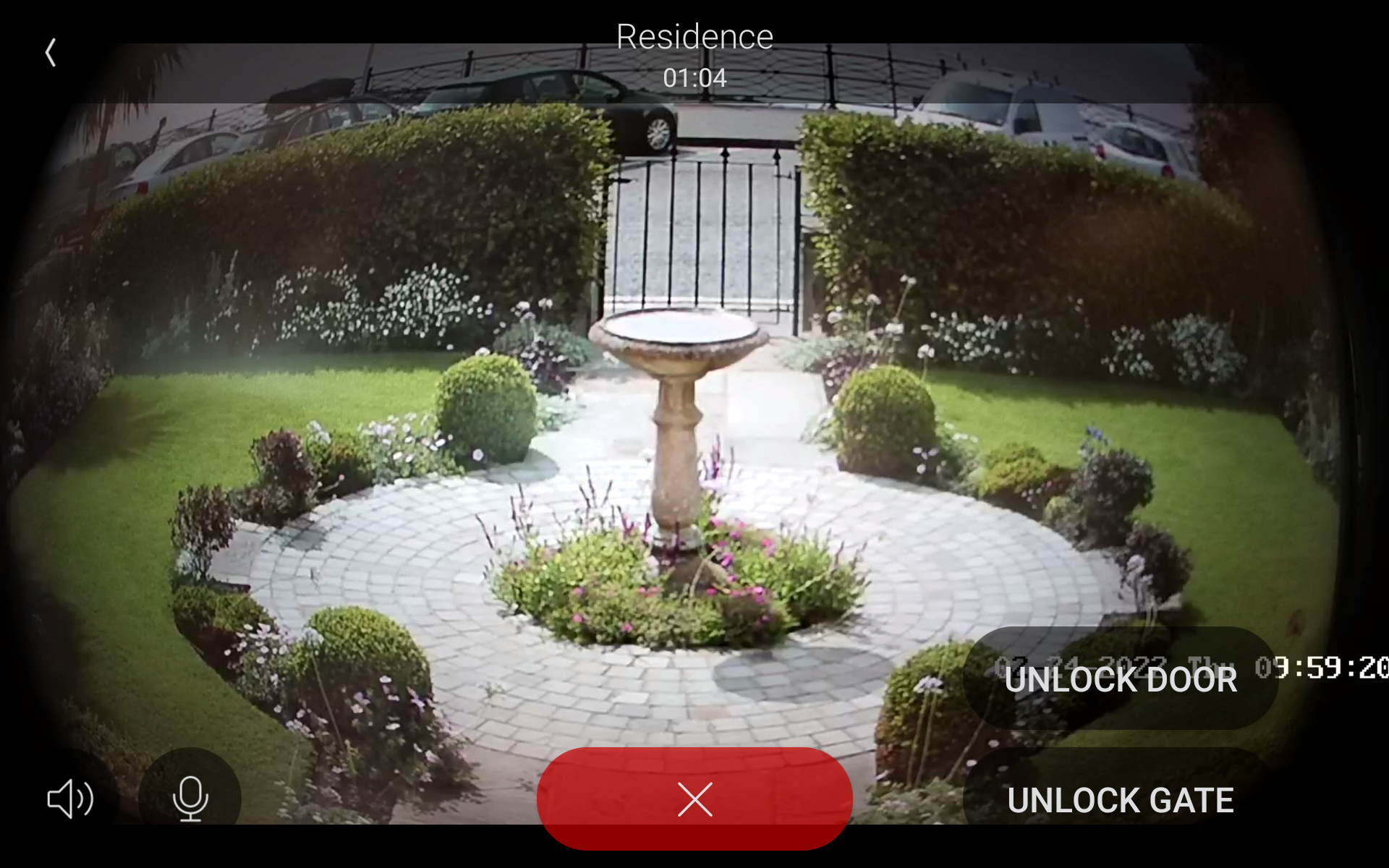
  • Integration to Control4's Communication Agent / SIP Server, providing the ability to call Control4 touchscreens and mobile devices (4sight required) for both video and audio communications.
  • Ability to set Control4's Intercom Custom Button actions
  • Ability to trigger electronic locks (output 1 & 2)
  • Ability to use the door station as a regular IP camera stream
  • Automatic push notifications with snapshot for motion and/or call button press (requires 4sight)
  • Supports the keypad and card reader addon modules
  • Program against valid and invalid code entries if a keypad is connected
  • Through Hikvision's alert stream technology, our driver can provide the following real time notifications for integrators to program against:
  • Video motion detection alerts
    • Call button press
    • Line busy (no answer)
    • Call Answered
  • Alarm 1 - 4 Triggered (traditionally 1 & 2 are used for door state closed, 3 & 4 is used for exit button pushed but can be used for other programming)

DS-KV6113-WPE1(C) series

  • Configured automatically by the driver to work with Control4 for convenient set up and configuration
  • Integration to Control4's Communication Agent / SIP Server, providing the ability to call Control4 touchscreens and mobile devices (4sight required) for both video and audio communications.
  • Ability to set Control4's Intercom Custom Button actions
  • Ability to trigger electronic locks (output 1 & 2)
  • Ability to use the door station as a regular IP camera stream
  • Automatic push notifications with snapshot for motion and/or call button press (requires 4sight)
  • Through Hikvision's alert stream technology, our driver can provide the following real time notifications for integrators to program against:
  • Video motion detection alerts
    • Call button press
    • Line busy (no answer)
    • Call Answered
  • Alarm 1 - 4 Triggered (traditionally 1 & 2 are used for door state closed, 3 & 4 is used for exit button pushed but can be used for other programming)
  • Ability to assign different call groups per call button. This means that this can now be used in MDU type installations when one Control4 controller is designated the Control4 communications server.

FAQ

What cool things can we do with these drivers?

  • The driver's Auto setup functionality makes configuration of the cameras and door stations quick and easy.
  • Onscreen user interface control on the K, I and M series DVR / NVR via remote control simulation (requires special firmware).
  • Access IP camera live streams when behind an NVR
  • Access camera live streams when behind an DVR
  • Receive alerts on mobile devices using the Push Notification Agent.
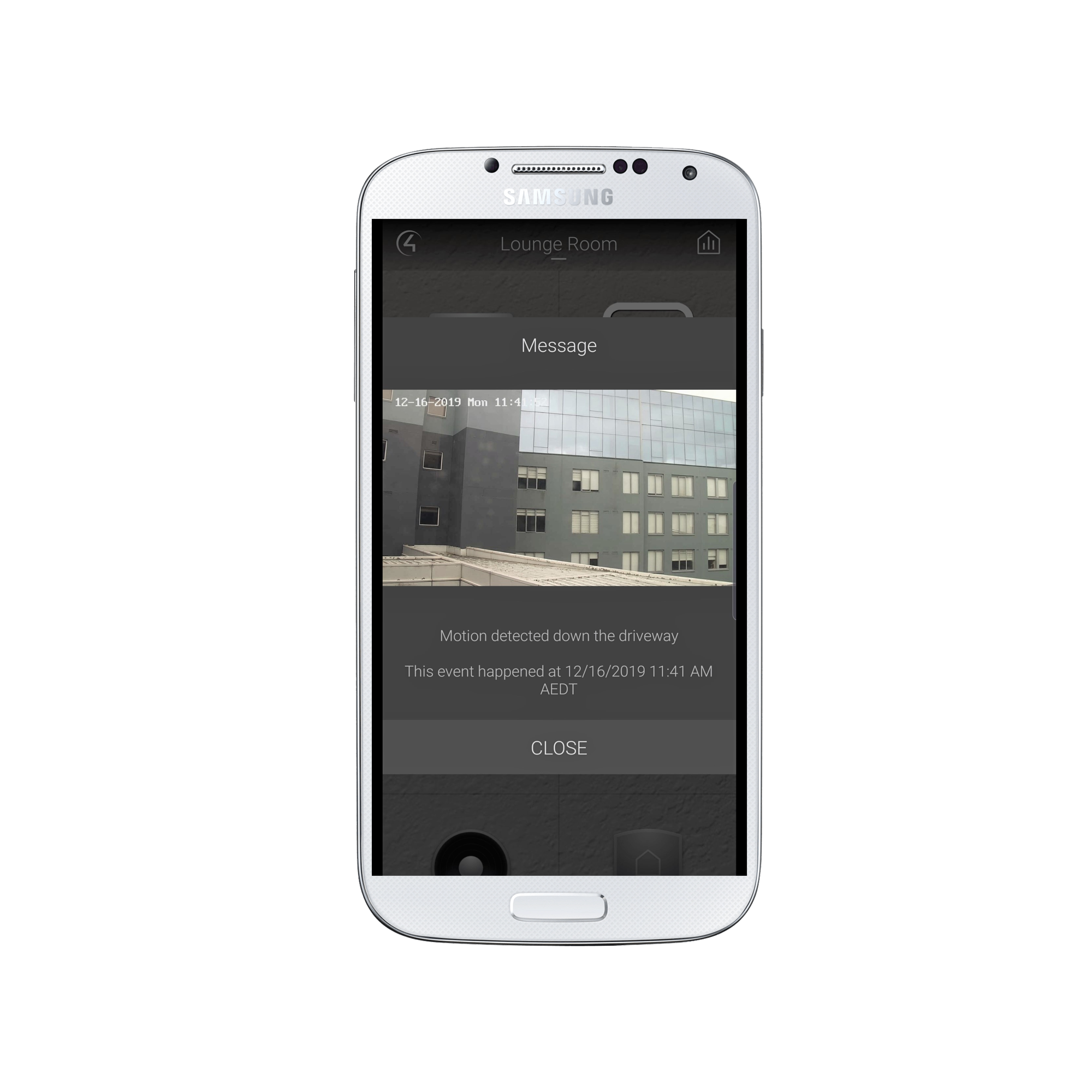
  • Our drivers provide the ability to attach snapshots to Control4 Push Notifications (4sight required). Tie this in with the camera's motion events and your customer can get notified (with an image) if a camera (including door station cameras) detects motion.
  • Access to currently active, basic and smart events that you can use to program Control4 actions against including bindings on the Connections tab
  • Licence Plate recognition (on supported cameras)
  • Choose which stream to utilise with the driver.
  • The driver will automatically update its name to reflect the device name set in the webui.
  • Set presets via Composer.
  • Trigger camera commands via the Programming tab.
  • Ability to change the camera resolution to better match Control4’s preferred resolution
  • Access recorded footage and powerful search features of the AcuSeek AI NVR directly within Control4 (requires AcuSeek AI NVR Integration driver)

What products will your drivers work with?

Our camera drivers will work with Hikvision's range of IP cameras. Some manufacturers "OEM" Hikvision's cameras and re-badge them as their own so these should also work with our driver. Please test prior to licence purchase as some features can be stripped from OEM devices.

Our NVR driver supports OSD control on the K, I and M series NVRs when running the custom firmware. The driver will also support the ability to access the live stream of cameras connected to the rear of the NVR.
Note: Custom firmware is required for OSD control of the NVR

We have drivers that support the following door stations:
Note: Custom firmware is required for integration of these door stations

Driver Device
DS-KV6113-WPE1(C) Hikvision Doorstation DS-KV6113-WPE1(C)
DS-KD8003-IME1(B) Hikvision Doorstation DS-KD8003-IME1
DS-KD8003Y-IME2 Hikvision Doorstation DS-KD8003-IME1
MinMoe Facial Recognition Terminal Driver Hikvision MinMoe

All custom firmware for Hikvision devices are available from Hikvision's Partner website

What is happening with NVR/DVR OSD Remote Control support?

M Series NVRs

Hikvision have made available custom firmware for the M series NVRs that allows our driver to control the OSD for these devices when connected via HDMI. This firmware is available from Hikvision's website. Please see the above links to download the firmware.

I and K Series NVRs and DVRs

As of 6th February 2023, Hikvision advised us that they will no longer provide support for applying the modified firmware for the K and I series NVRs and DVRs.
The issue is that the latest NVR/DVR units are shipping with a newer firmware and you cannot downgrade the firmware without Hikvision technical support being involved.

Our driver will still support the features if they are available in the firmware of the device they are connected to.

Chowmain are not able to provide support with the firmware downgrade process.

What about Hikvision's other NVR range?

Our camera driver supports cameras connected to the rear of NVRs for live view of cameras along with PTZ and events.

What about Hikvision's other DVR range?

To access the image, rtsp stream and receive alerts, the DVR must support the ISAPI protocol. This support will be listed in the device's specifications under Network Protocols.

Our driver can display the stream and get snapshots from coaxial camera's that sit behind an DVR.

The only limitation is that the driver can't build bindings for event triggers.

Brand
Chowmainsoft
Warranty
1 Year
Software
Category
Security
Developer
Chowmainsoft
Version
#20260501
Last Updated
05/01/2026

IP Camera and NVR Documentation (CONTROL4-Hikvision_IPCameras-20240806-production-CM.pdf, 1,083 Kb) [Download]

KV8x13 Door station Documentation (CONTROL4-Hikvision_IPCameras-kv8113-full-20220913.pdf, 600 Kb) [Download]

KD8003 Door station Documentation (CONTROL4-Hikvision_IPCameras-kd8003-full-20220913.pdf, 1,003 Kb) [Download]

5.00
Average star rating
2 reviews
4 Stars
0
3 Stars
0
2 Stars
0
1 Star
0
Have you used the product?

Tell us something about it and help others to make the right decision

Write a review
Related Products
  • Similar
Efficient and high quality delivery

We will ship any product costing $499 and over for free within the USA.

Quality assurance and service

Our products are hand curated from around the world to deliver excellence.

Returns within 14 days

You have 14 days to be satisfied with your purchase