


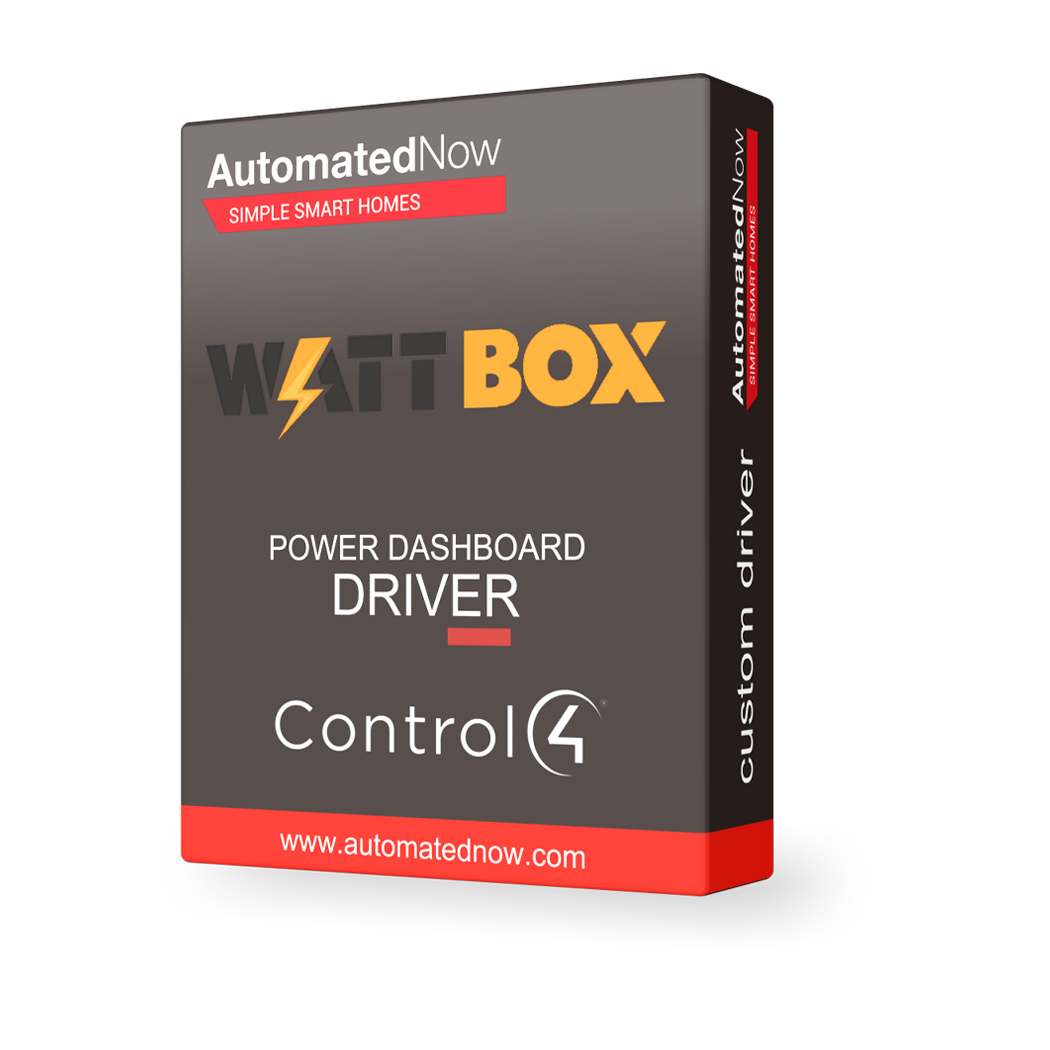
Control4 Driver - Wattbox Power Dashboard




- — Expert offsite programming
- — All work done remotely
- — No-contact service
- — No house-call needed
- — Custom 3rd party driver
BRING WATTBOX POWER DASHBOARD INTO CONTROL4
Professional power integration for a smarter, more connected home.
SMARTER CONTROL. ONE INTERFACE.
Bring Wattbox Power Dashboard into the Control4 experience.
The Wattbox Power Dashboard driver brings supported power functions into Control4, giving homeowners and integrators a consistent interface for everyday control, monitoring and automation.
UNIFIED POWER OVERVIEW — SEE
Unified power overview — See connected WattBoxes, aggregate power usage, energy used today, the highest-consuming outlet, and the latest update time.
OUTLET CONTROL AND RECOVERY —
Outlet control and recovery — Turn outlets on or off, cycle connected equipment, and create favorites for frequently used controls.
POWER-HISTORY CHARTS — TRACK WATTS,
Power-history charts — Track watts, voltage, UPS battery charge, and UPS load when supported by the hardware.
DETAILED UPS MONITORING — VIEW
Detailed UPS monitoring — View battery charge, system load, estimated runtime, battery health, and utility-power status.
RECENT ACTIVITY — REVIEW OUTLET
Recent Activity — Review outlet commands, communication issues and recovery, UPS transitions, and significant voltage events through Control4 Driver History.
MULTIPLE WATTBOX SUPPORT — MONITOR
Multiple WattBox support — Monitor and control WattBoxes across network racks, entertainment systems, and other equipment locations from one dashboard.
BUILT FOR SMART-HOME AUTOMATION
Use the driver's available functions as part of a larger Control4 system.
CONTROL4 CONTROL
Control supported outlets or power devices
SMART AUTOMATION
Monitor available power and status data
SYSTEM INTEGRATION
Use remote recovery for connected equipment
PUT YOUR SYSTEM TO WORK
Turn everyday device functions into useful smart-home experiences.
EVERYDAY CONTROL
Create alerts around important conditions
SCENES & PROGRAMMING
Coordinate power with system states
WHOLE-HOME EXPERIENCE
Reduce unnecessary service calls
DRIVER INFORMATION
MAKE WATTBOX POWER DASHBOARD PART OF YOUR SMART HOME
Bring supported power control, feedback and automation into Control4.
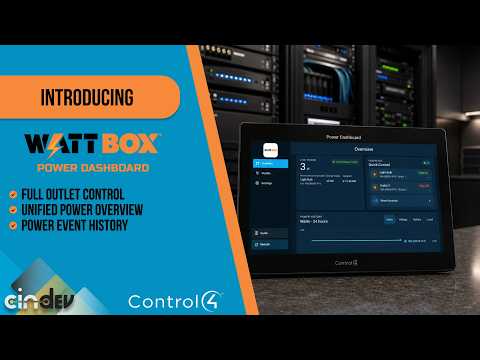
WattBox Power Dashboard for Control4 | Monitor, Control & Manage Power
Take WattBox power management to the next level inside Control4 with the new WattBox Power Dashboard by Cindev.
Bring up to eight WattBox devices together in one responsive Control4 Web UI designed for T4 and T5 touchscreens and mobile Navigator.
- Whole house
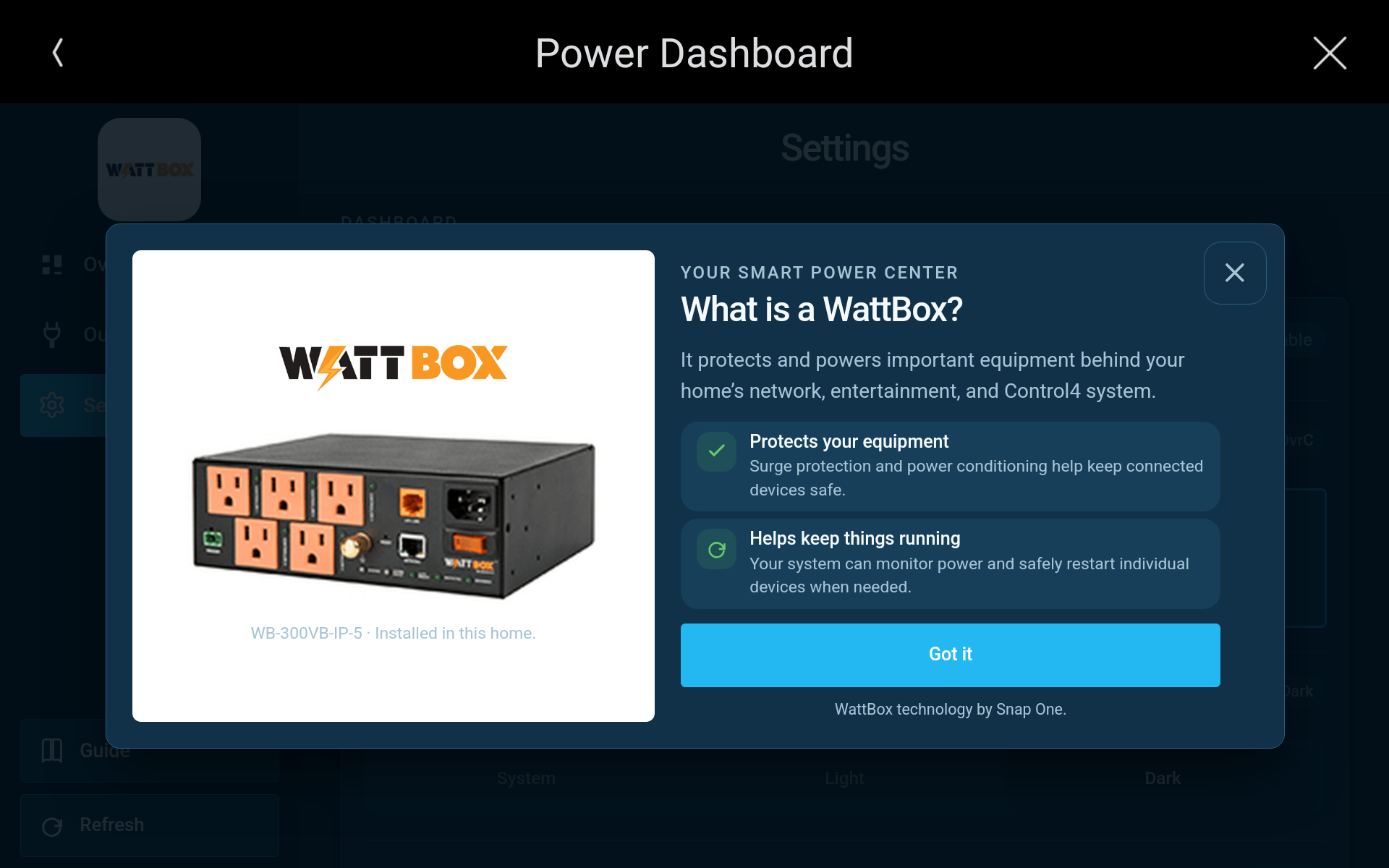
Guide
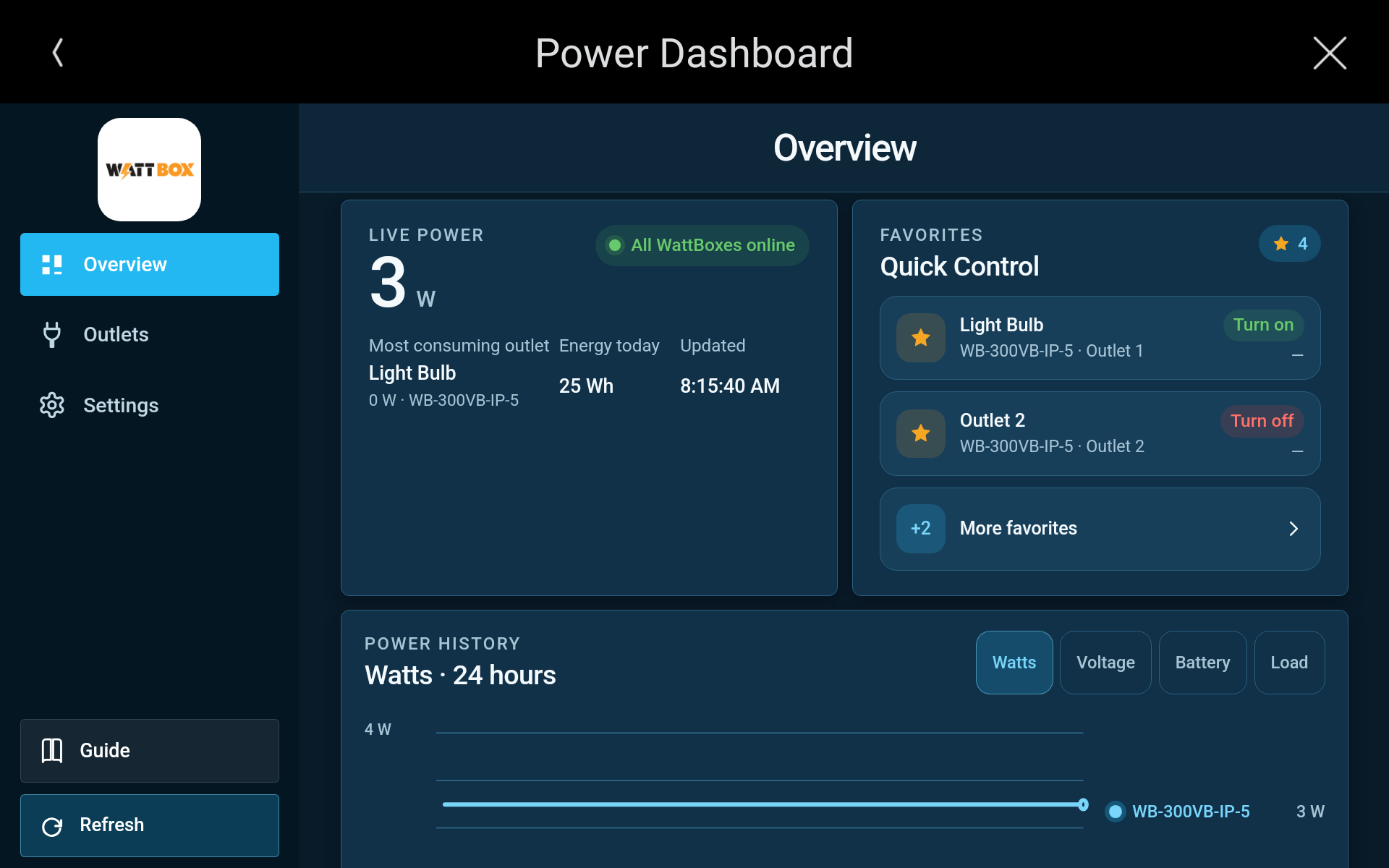
Overview
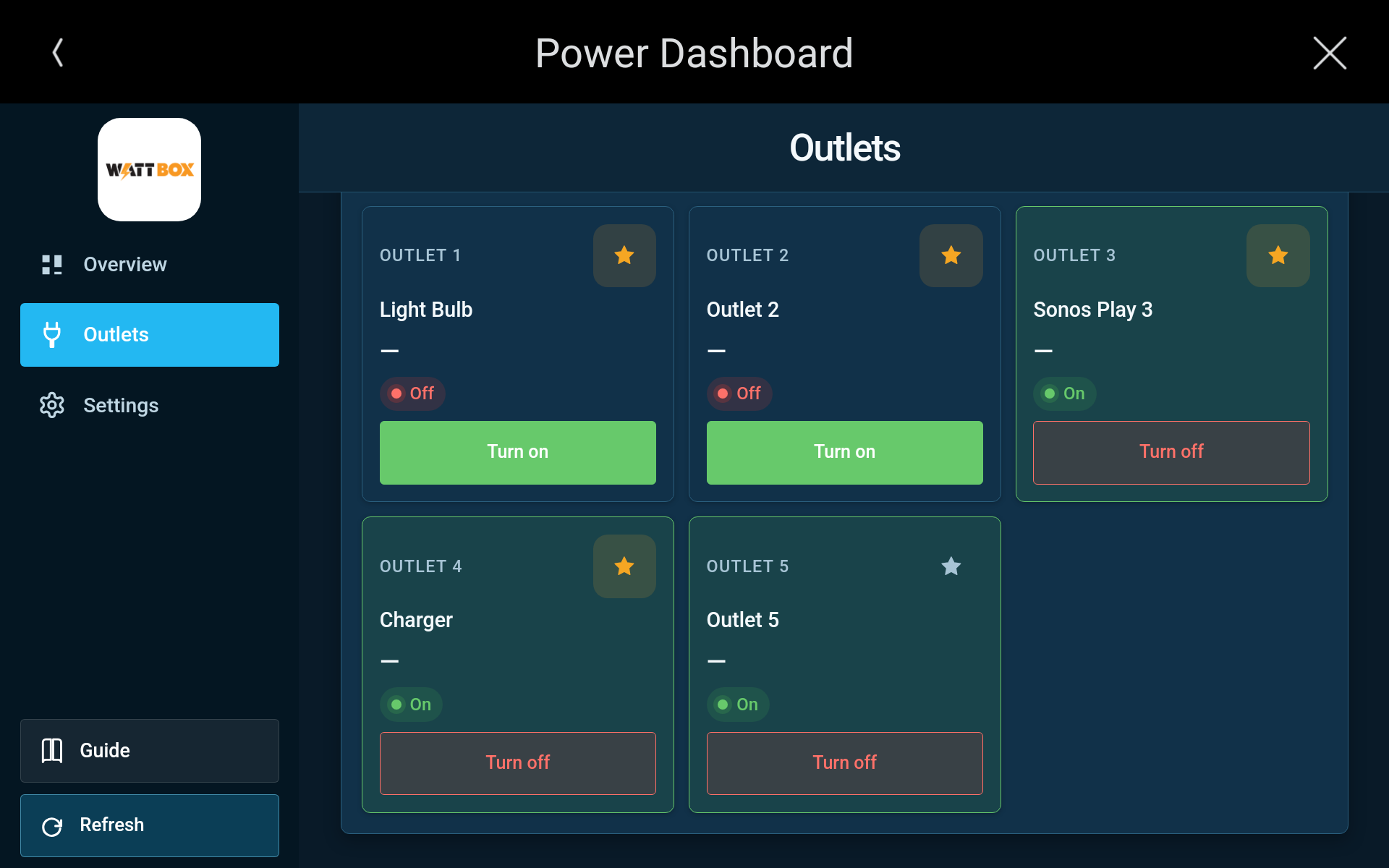
Outlet
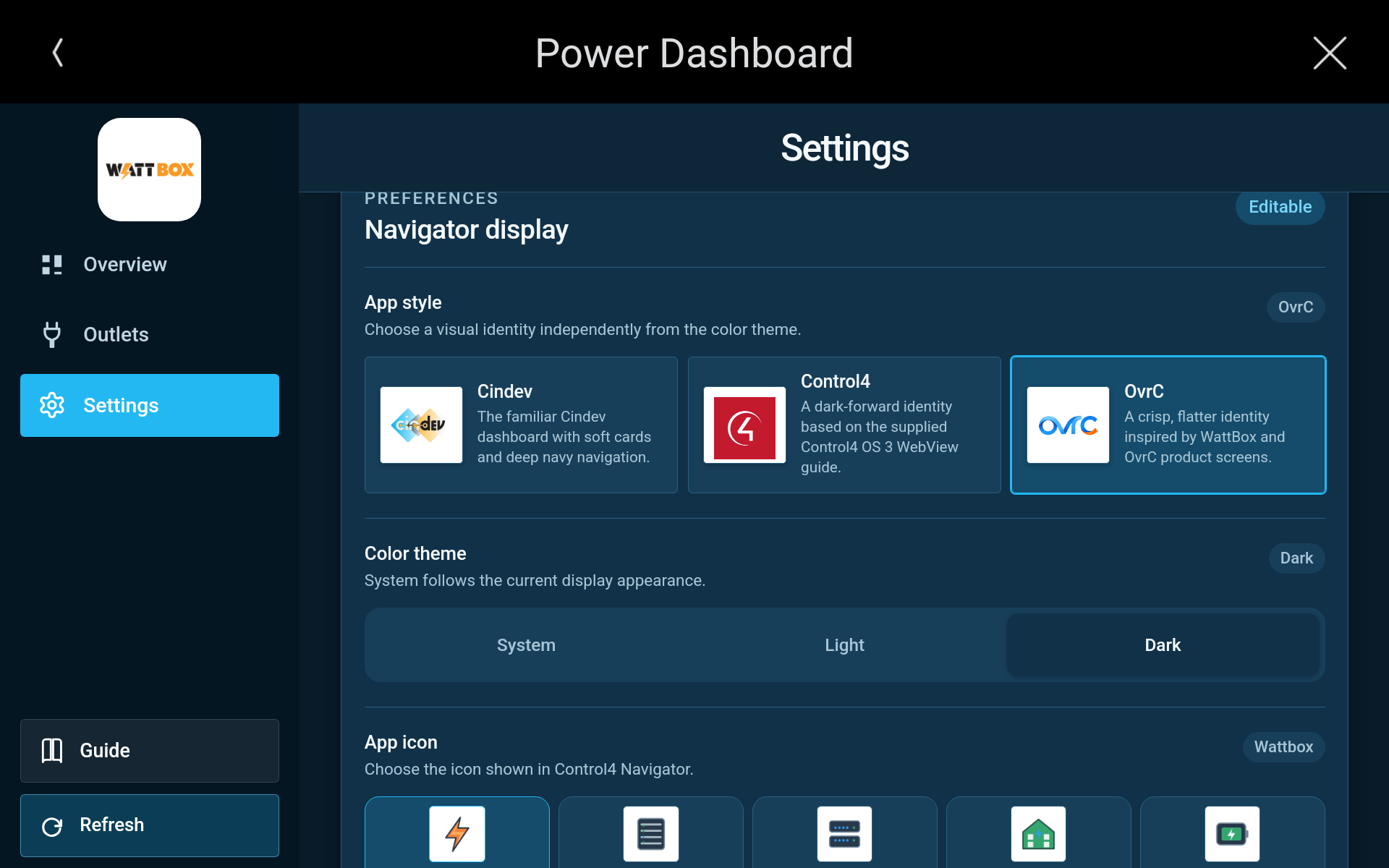
Settings