

Control4 Driver - Honeywell Vista EnvisaLink


- — Expert offsite programming
- — All work done remotely
- — No-contact service
- — No house-call needed
- — Custom 3rd party driver
INTEGRATE HONEYWELL SECURITY WITH CONTROL4
The Honeywell VISTA EnvisaLink driver brings compatible Honeywell/Resideo VISTA security systems into Control4 using the EyezOn EnvisaLink module.
The EyezOn EnvisaLink is a local Ethernet interface that connects directly to the security panel and provides reliable two-way communications over the local network, enabling fast and responsive integration without relying on cloud services.
Supported Honeywell/Resideo panels include the Vista20P, 21iP, 15P, 10P, 128P, and 250P.
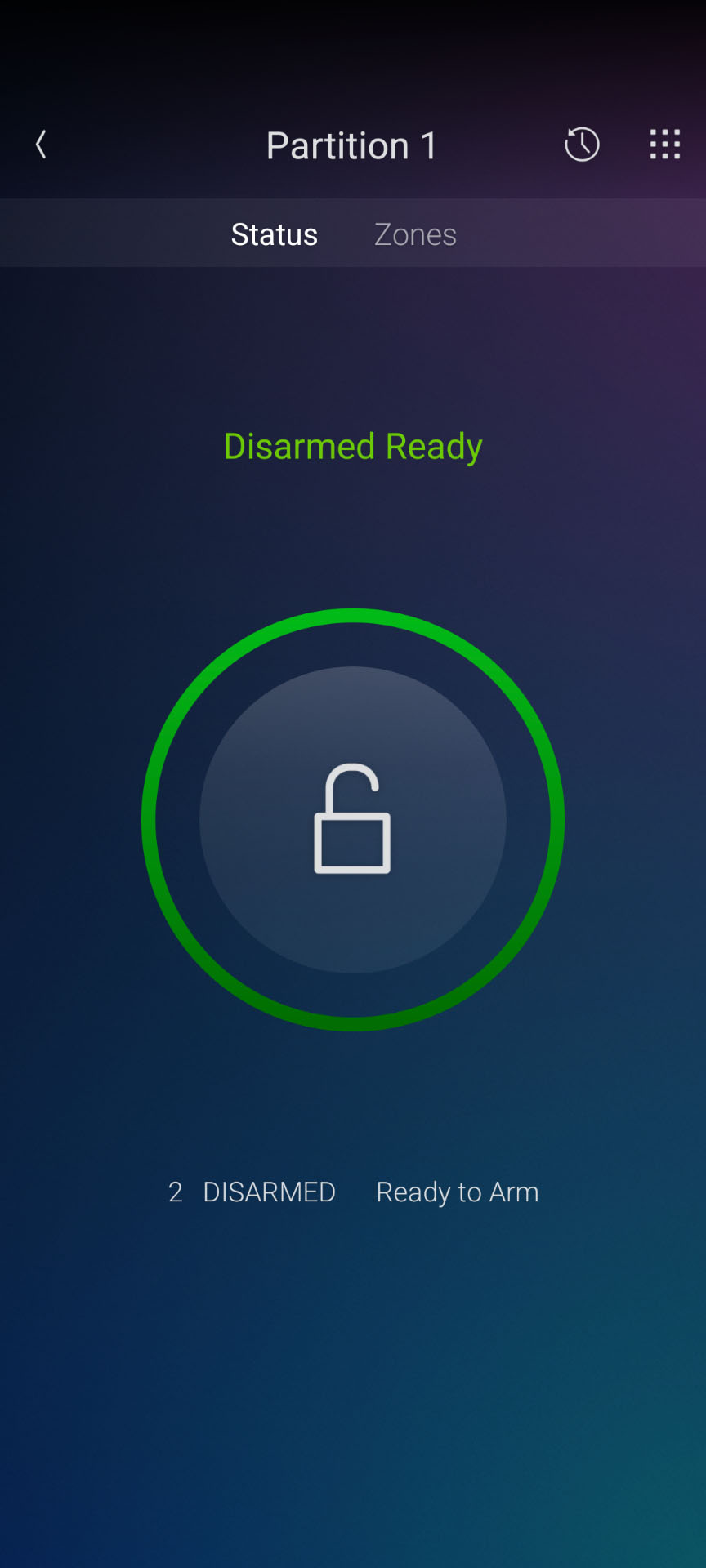
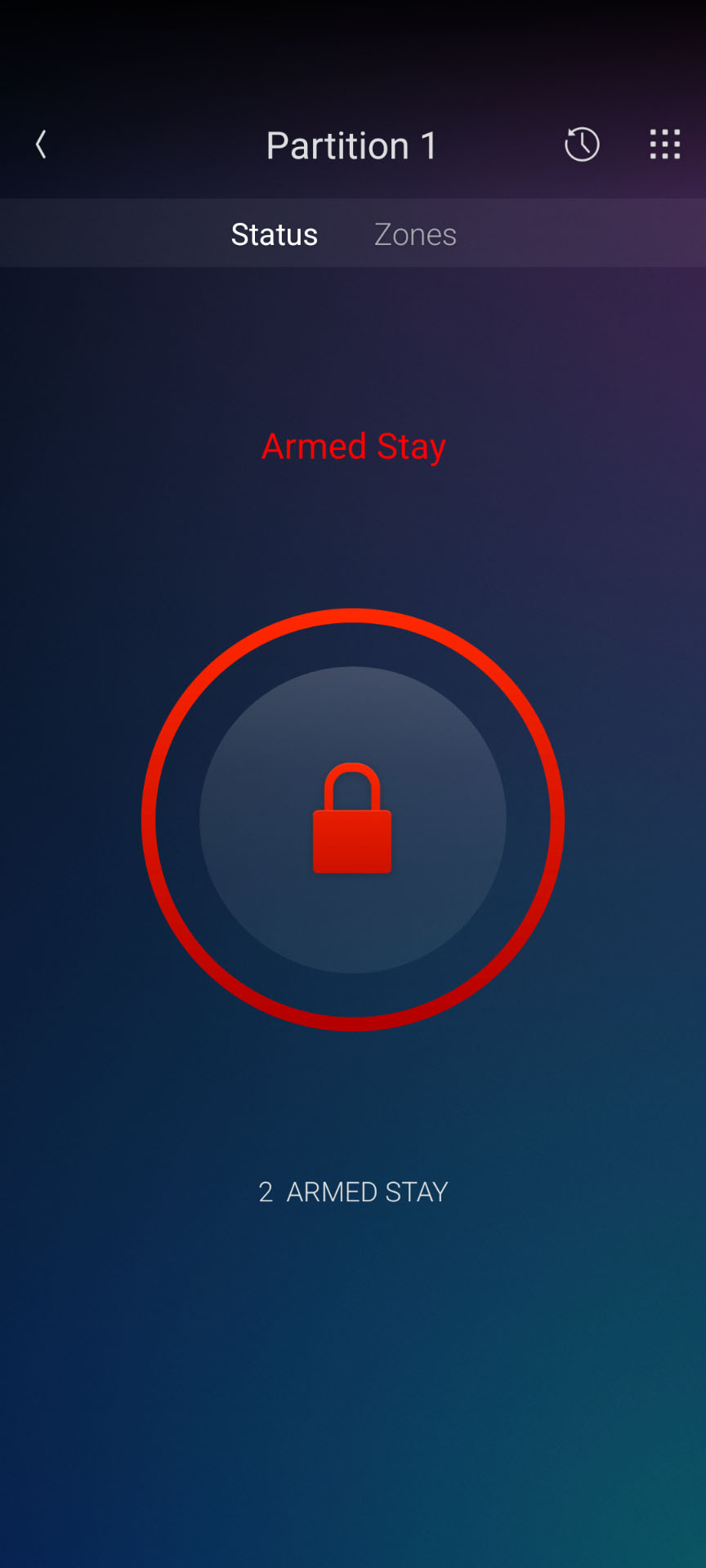
Once integrated, users can arm and disarm their security system from Control4 while receiving real-time feedback for arm state, disarm state, alarm conditions and individual security zones. All of this feedback can also be used within Control4 programming, allowing security events and zone activity to trigger lighting, notifications, automation sequences and other actions throughout the Control4 system.
FEATURES
End User Alarm Interface Features
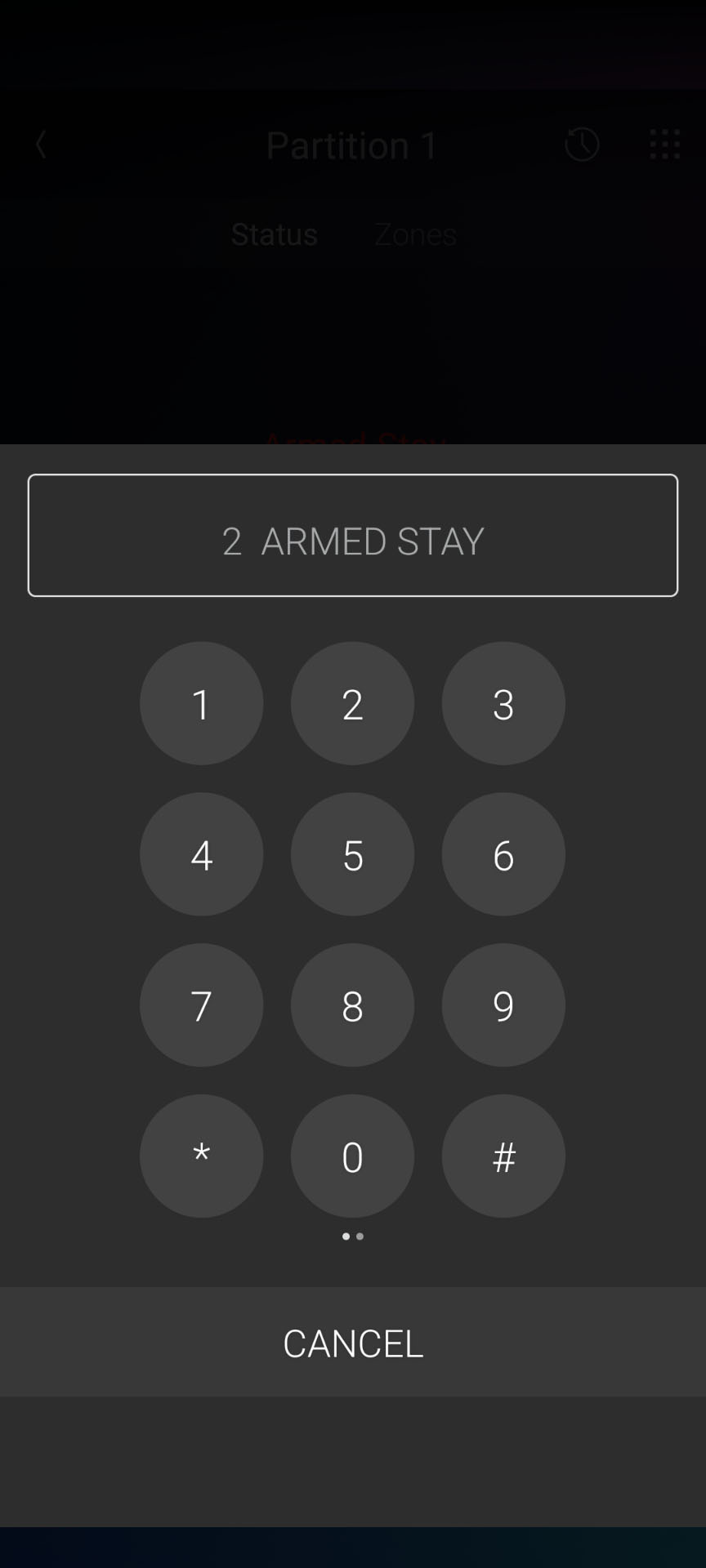
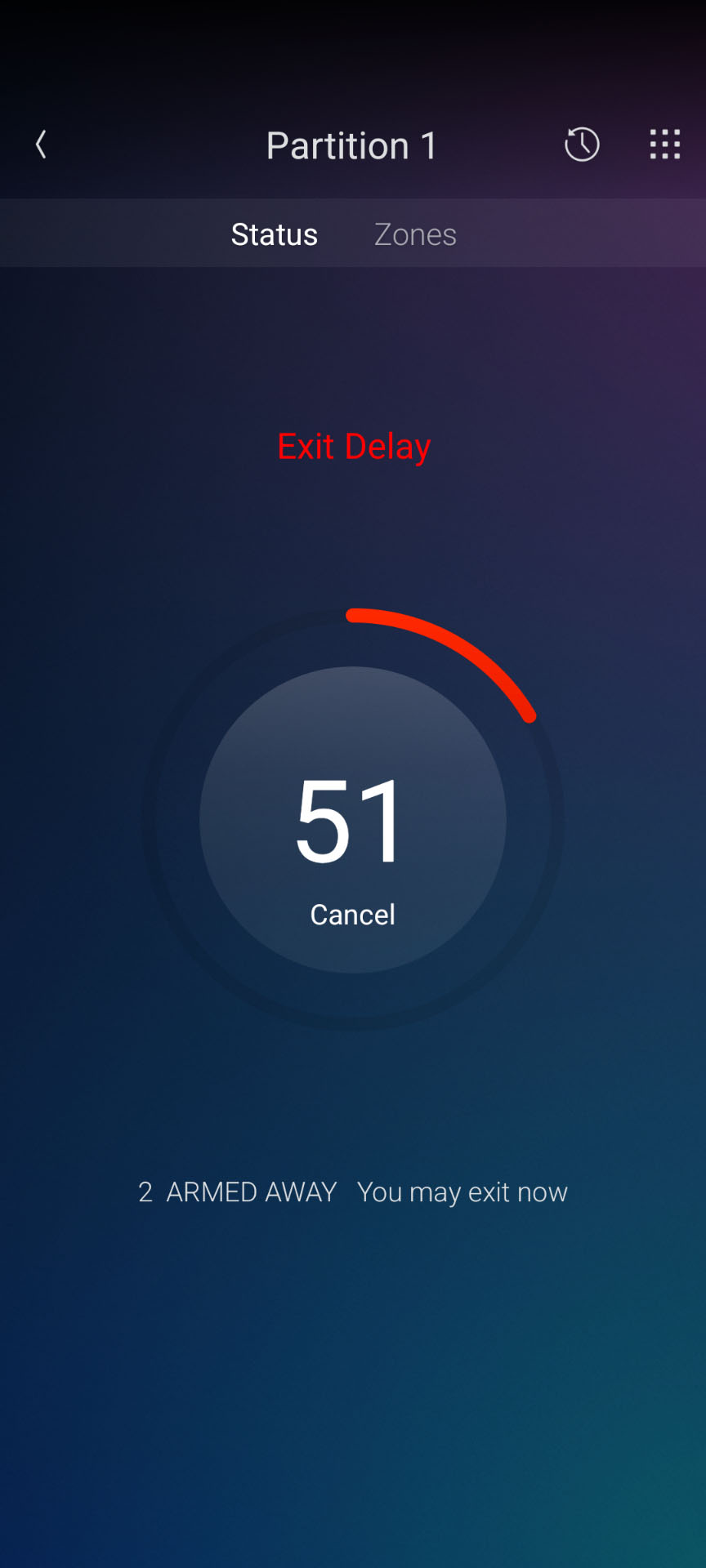
- Away, Stay, Instant, and Disarm Modes
- Virtual Keypad
- Zone List and feedback
Installer Features
- Easy Push / Email Notifications via simple drop-down properties in the driver (Control4 Connect Required)
- Arming
- Disarming
- Alarm
- Trouble
- Driver Events
- Low Battery
- Low Battery Restored
- AC Power Loss
- AC Power Loss Restored
- System Trouble
- System Trouble Restored
- Partition Armed (Away)
- Partition Armed (Stay)
- Partition Armed (Instant)
- Partition Exit Delay Started
- Partition Exit Delay Ended
- Partition Entry Delay Started
- Partition Entry Delay Ended
- Partition Alarm
- Programmable Commands
- Send Custom Keypress
- Easy Auto Setup of Zone contact drivers.
- Flash Lights on Alarm.
FAQ
What are the requirements for this driver?
The driver requires an EyezOn EnvisaLink module connected to a compatible Honeywell/Resideo VISTA security panel and the local network.
IP/GSM support must also be enabled on the VISTA panel.
To enable this:
- Enter Programming Mode on the Honeywell VISTA keypad by entering the Installer Code followed by 800. The factory default Installer Code is commonly 4112..
- Enter *29 to access the IP/GSM programming section..
- On older panels, enter 1. Three beeps indicate that the setting has been saved..
- On newer panels that do not respond with three beeps, enter * 0 * * or 1 * 0 * *..
- Exit Programming Mode by entering *99..
Refer to the EyezOn installation documentation for your specific VISTA panel and EnvisaLink model when installing and configuring the hardware.
What hardware will this work with?
The EyezOn EnvisaLink supports the Honeywell/Resideo VISTA-10P, VISTA-15P, VISTA-20P, VISTA-21iP, VISTA-48P, VISTA-128P and VISTA-250P security panels.
An EyezOn EnvisaLink module is required for communication between Control4 and the security panel.
Can I use this as an alternative to the HSIM?
Yes. This integration provides an alternative method of integrating compatible Honeywell/Resideo VISTA security panels with Control4 without requiring the legacy HSIM hardware.
The EnvisaLink connects directly to the VISTA keypad bus and provides an Ethernet interface for local two-way communications. This makes it particularly useful for new installations or existing VISTA systems where an HSIM module is unavailable or needs to be replaced.
Unlike the HSIM's RS-232 interface, EnvisaLink communicates with Control4 over the local IP network.
Does the integration require the cloud?
No. Communication between the Control4 driver and the EnvisaLink module occurs locally over Ethernet.
The EnvisaLink offers optional EyezOn cloud services for additional functionality, but these services are not required for normal Control4 integration.
What functionality is supported?
The driver provides arm and disarm control along with real-time monitoring of the security system's arm state, disarm state, alarm conditions and individual security zones.
Arm, disarm, alarm and zone feedback can also be used within Control4 programming. This allows security events to trigger lighting, notifications, automation sequences and other actions throughout the Control4 system.
How does the integration work?
The EnvisaLink connects to the Honeywell VISTA keypad bus and acts as an interface between the security panel and the local Ethernet network.
The Control4 driver communicates directly with the EnvisaLink using its local integration protocol. Commands sent from Control4 are passed to the VISTA panel, while panel status and security events are returned to Control4 for feedback and programming.
Are there any limitations?
- The driver is currently limited to Partition 1.
- Honeywell/Ademco VISTA panels provide real-time notification when a zone is faulted, such as when a door or window is opened, but do not always provide a corresponding real-time notification when the zone is restored.
- The EnvisaLink attempts to determine when a zone has been restored using information such as partition state, the amount of time since the fault was reported and the sequence of zone events. As a result, after a zone is restored it may take 60 seconds or more before EnvisaLink reports the zone as restored.
- Zone information may also be limited while the security system is armed due to the way the VISTA panel reports keypad-bus information.
- There are no output control capabilities.
Why is the Control4 UI constantly switching between ALARM and DISARMED_NOT_READY?
This normally indicates that there is an Alarm in Memory on the VISTA panel. Select the alarm within the Control4 security interface and enter the security system User Code to acknowledge and clear the previous alarm condition.
Do I need to replace my existing VISTA security panel?
No. The purpose of the EnvisaLink integration is to add Control4 connectivity to a compatible existing VISTA panel.
The EnvisaLink module connects to the panel's keypad bus, so in most installations the existing security panel, keypads, sensors and zones can remain in place.
Can security zones be used for Control4 automation?
Yes. Zone state feedback can be used within Control4 programming just like other system events.
For example, opening a door could turn on lighting, a motion zone could trigger automation, or an alarm condition could initiate notifications and other programmed actions.