


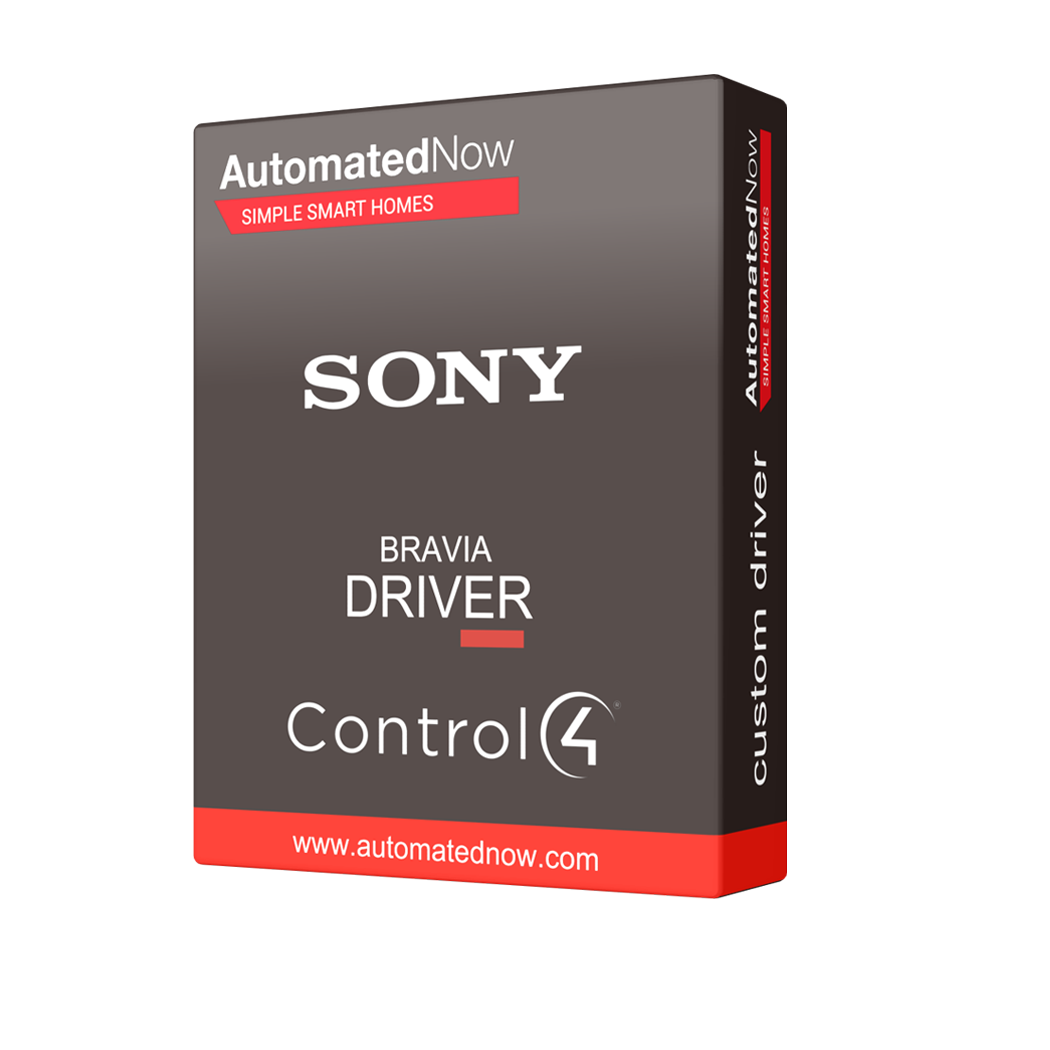
Control4 Driver - Sony Bravia TV




- — Expert offsite programming
- — All work done remotely
- — No-contact service
- — No house-call needed
- — Custom 3rd party driver
BRING SONY BRAVIA INTO CONTROL4
Advanced Sony television integration with intelligent room automation, on-screen notifications, customizable remote controls and reliable IP-to-IR fallback.
SMARTER TV CONTROL. SEAMLESS ENTERTAINMENT.
Make your Sony BRAVIA television an intelligent part of your Control4 smart home.
The Cindev Sony BRAVIA TV Driver for Control4 delivers advanced integration between compatible Sony BRAVIA televisions and Control4 automation systems. Designed to extend beyond conventional television commands, this premium driver connects everyday TV operation with intelligent room control, personalized automation, on-screen notifications and expanded programming capabilities.
Control your television using Control4 remotes, touchscreens, mobile devices and automated programming. Access power, input selection, volume, navigation, streaming applications and supported television settings while taking advantage of advanced features such as room-follow automation, configurable remote shortcuts, camera snapshots and physical IR fallback.
Whether you're upgrading an existing Control4 installation or designing a new entertainment system, the Cindev Sony BRAVIA driver provides additional flexibility, feedback and automation options for compatible Sony televisions.
ADVANCED SONY TV CONTROL
Control supported Sony BRAVIA televisions through IP commands, including power, HDMI input selection, volume, mute, channel tuning, menu navigation and playback functions. Access television features directly from Control4 remotes, touchscreens and mobile devices.
INTELLIGENT ROOM-FOLLOW AUTOMATION
Automatically coordinate Control4 room activity with television power changes made using the original Sony remote. Configure the room to activate Sony Home or a selected Watch source when the TV turns on, and shut down the Control4 room when the television turns off. Requires Control4 OS 4.0 or newer and a configured room connection.
ON-SCREEN ALERTS & CAMERA SNAPSHOTS
Display supported notifications directly on your Sony television, including doorbell camera snapshots, garage-door reminders and personalized messages. Configure popup position, duration and background dimming. Requires the TVOverlay application to be installed and configured on the television.
FLEXIBLE IP & IR CONTROL
Choose IP-only control, IR-only control, simultaneous IP and IR operation, or automatic matching IR commands when supported IP commands fail. Physical IR operation requires a compatible IR emitter and supported command codes.
CUSTOM REMOTE BUTTON MAPPING
Customize supported Control4 remote buttons, including color buttons, *, # and additional configurable buttons. Assign useful Sony commands such as Home, input selection and other supported functions. Custom mappings also work with Control4 MiniApps.
STREAMING APP INTEGRATION
Launch installed streaming applications directly from Control4 and configure up to 25 MiniApp connections for convenient access through the Watch menu. Supported televisions also provide additional options for opening websites and entering text into active TV keyboard interfaces.
BUILT FOR SMART-HOME AUTOMATION
Turn Sony BRAVIA television activity into intelligent Control4 experiences with advanced feedback, customizable commands and powerful programming capabilities.
INTELLIGENT ROOM CONTROL
Coordinate Control4 room activity with Sony television power events. Automatically activate a configured Watch source when the TV turns on or shut down the room when the television is powered off using its original remote.
TV-BASED LIGHTING AUTOMATION
Use supported picture-mode changes, audio-output events and HDMI signal feedback to trigger personalized Control4 programming. For example, automatically dim compatible lighting when Cinema picture mode is selected.
ADVANCED SYSTEM INTEGRATION
Access supported television settings, status information, commands and programming events through Composer Pro. Create customized entertainment routines that coordinate lighting, audio equipment and other compatible Control4 devices.
PUT YOUR SYSTEM TO WORK
Make your Sony BRAVIA television a natural part of your Control4 entertainment experience.
SEAMLESS SONY REMOTE OPERATION
Turn on the television using the original Sony remote and automatically activate the corresponding Control4 room or selected entertainment source. When the television turns off, the Control4 room can shut down automatically. Requires Control4 OS 4.0 or newer and a configured room connection.
SMART DOORBELL NOTIFICATIONS
Display a supported doorbell camera snapshot or customized notification directly on the Sony television. Configure whether the television should remain asleep or wake temporarily to display the message. Requires the TVOverlay application and appropriate configuration.
PERSONALIZED MOVIE LIGHTING
Use supported television picture-mode feedback to trigger Control4 lighting scenes. For example, selecting Cinema mode can automatically dim compatible lights to create a more immersive viewing environment.
POWERFUL FEATURES. SIMPLE INTEGRATION.
Advanced functionality designed for professional Control4 installations.
Comprehensive Sony TV Control: Supports standard television functions including power, HDMI input selection, volume, mute, navigation, playback controls and available channel tuning.
Bidirectional IP Communication: Communicates with compatible Sony BRAVIA televisions using supported Sony REST and IRCC interfaces with pre-shared-key authentication.
Room-Follow Power Automation: Allows supported television power events from the Sony remote to coordinate Control4 room operation. Requires Control4 OS 4.0 or newer and a configured room connection.
On-Screen Notifications: Display supported messages and camera snapshots directly over the television picture using the separately installed TVOverlay application.
Customizable Popup Behavior: Configure notification position, display duration, background dimming and supported television wake or standby behavior.
Physical IR Control: Configure IP-only, IR-only, combined IP and IR operation, or supported IP-to-IR fallback. Physical IR operation requires an emitter and compatible IR command codes.
Custom Remote Shortcuts: Assign supported Sony commands to Control4 color buttons, *, # and other configurable remote buttons. Custom mappings can also operate with MiniApps.
Streaming Application Launching: Launch installed television applications directly from Control4 programming and configure up to 25 MiniApp connections for convenient Watch menu access.
Picture & Sound Settings: Control supported television picture modes, brightness, audio settings and speaker configurations through compatible driver commands.
Advanced Programming Feedback: Use supported picture-mode, audio-output and HDMI-signal events to create customized Control4 automation routines.
Composer Pro Diagnostics: Monitor connection status, television power, reported source and API status. Discover supported applications and commands, inspect command results and troubleshoot communication issues.
Command Management: Includes options for temporarily blocking Control4 television commands and maintaining a powered-off state when supported power feedback is available.
Website & Text Entry: Supported Sony television models can open websites and receive text input through an active television keyboard interface.
Professional Configuration: Supports customized installation settings and integration with compatible Control4 entertainment systems.
COMPATIBILITY & INSTALLATION REQUIREMENTS
Confirm television compatibility and configure the required Control4 components before installation.
Supported Televisions: Compatible Sony BRAVIA televisions supporting Sony REST/IRCC control and pre-shared-key authentication. Specific functionality varies by television model, firmware version and input.
Control4 Operating System: Control4 OS 3.3.0 or newer is required. Room-follow automation requires Control4 OS 4.0 or newer and an appropriate room connection.
Network Configuration: IP-based functionality requires a compatible network connection, enabled Sony television IP control and matching pre-shared-key configuration.
DriverCentral Licensing: Requires the DriverCentral Cloud driver and an activated Cindev license or trial for product 953.
On-Screen Notifications: Requires installation and configuration of the TVOverlay application on the Sony television.
Physical IR Control: Requires a compatible Control4 IR emitter and supported IR command codes for IR-only operation or IP-to-IR fallback.
Feature Availability: Not every Sony BRAVIA television supports every driver function. Confirm required features on the specific television model and firmware before installation.
DRIVER INFORMATION
MAKE SONY BRAVIA PART OF YOUR SMART HOME
Experience advanced Sony television control, intelligent room automation, on-screen notifications, personalized entertainment shortcuts and reliable integration with Control4.
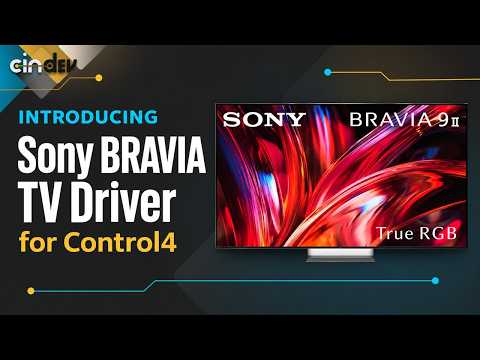
Sony BRAVIA TV Driver for Control4 | IR Fallback & Doorbell Alerts
When a Sony BRAVIA stops responding over IP, a connected IR emitter can still send supported commands. See how Cindev’s Sony BRAVIA TV driver for Control4 gives installers a backup control path and lets clients see who’s at the door without leaving the movie.
No posts found